
Cosmos 3 Super
Cinematic Product Still
Ultra-realistic cinematic product still, premium lighting, crisp label detail, shallow depth of field, high-end commercial photography.
Type a scene in plain English. Get a clean AI image back in seconds. The engine is NVIDIA's Cosmos 3 Super, the open 64B world model behind the video generator.
Cosmos 3 Super Text to Image is an online tool that turns a text prompt into a high-quality image. You describe the subject, lighting, camera, and style. It renders the still.
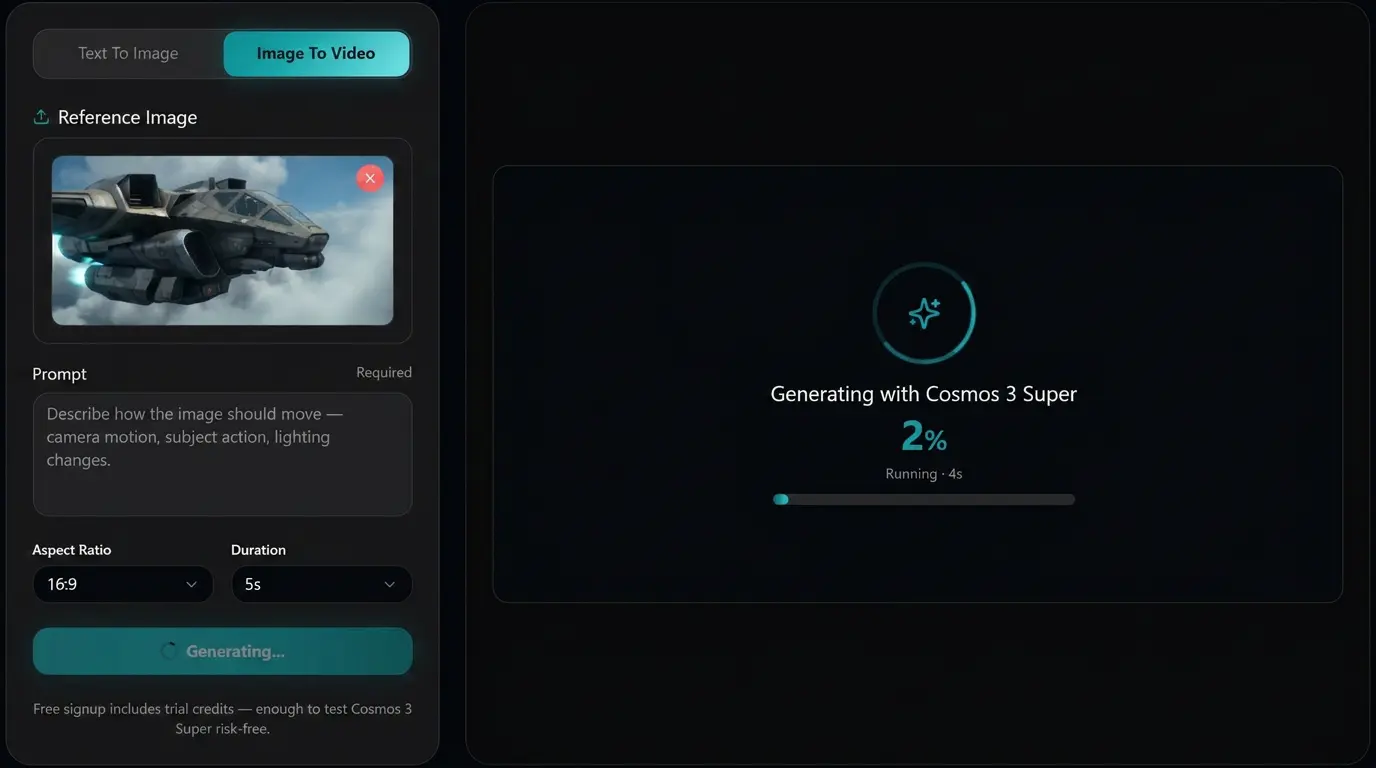
Under the hood, this site uses the Cosmos 3 Super text-to-image endpoint from NVIDIA's Cosmos 3 family. It is useful when you need the first frame, product still, concept art, storyboard image, or reference frame before animating the result with Image to Video.
Generated output can be used in commercial workflows according to the model license terms. Use it as a standalone image or as the input frame for Cosmos 3 Super Image to Video.
Six features creators use most often before turning a still into a video, ad, product visual, or storyboard frame.
Describe the subject, action, setting, lighting, and camera language. The generator turns that prompt into a polished still image without a local GPU.
Create a first frame, then animate it with Cosmos 3 Super Image to Video. This keeps creative direction consistent from still image to generated motion.
Pick 16:9 for landscape, 9:16 for vertical social, 1:1 for feed posts, or 4:3 and 3:4 for flexible creative layouts.
Tell the model what to avoid: warped text, extra limbs, duplicate subjects, distorted logos, or unwanted background clutter.
Change one phrase, rerun the prompt, and compare results. It is built for quick concept exploration, not a heavy local setup.
Use generated images in ad concepts, product pages, client decks, storyboards, thumbnails, and reference frames for later video generation.
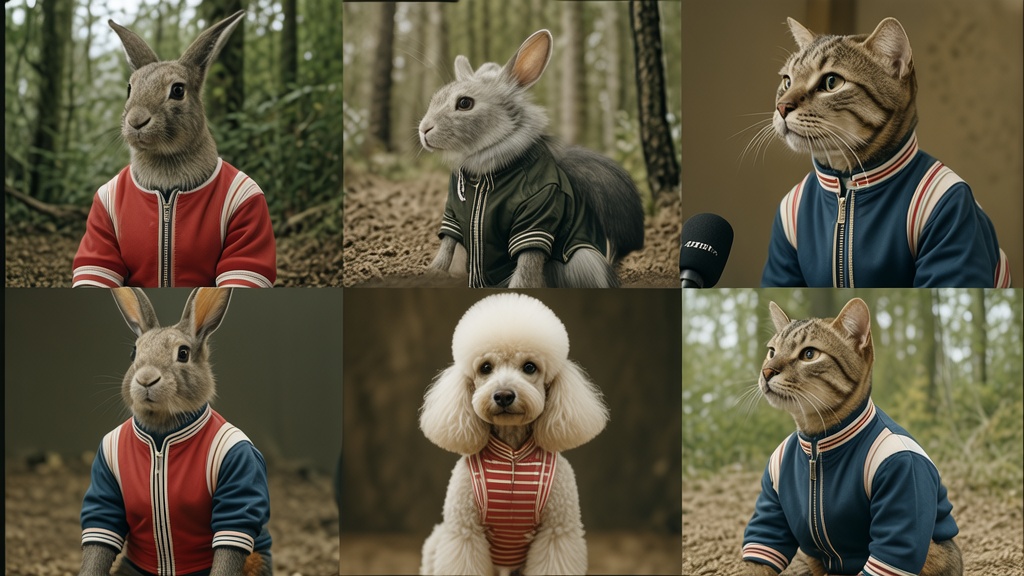
Six visual examples from the same Cosmos 3 Super workflow. Use them as prompt inspiration, then generate your own still image and animate it when you are ready.
Cinematic Product Still
Ultra-realistic cinematic product still, premium lighting, crisp label detail, shallow depth of field, high-end commercial photography.
Editorial Portrait
Editorial portrait photography, natural expression, soft window light, realistic skin texture, balanced composition, high-end magazine style.
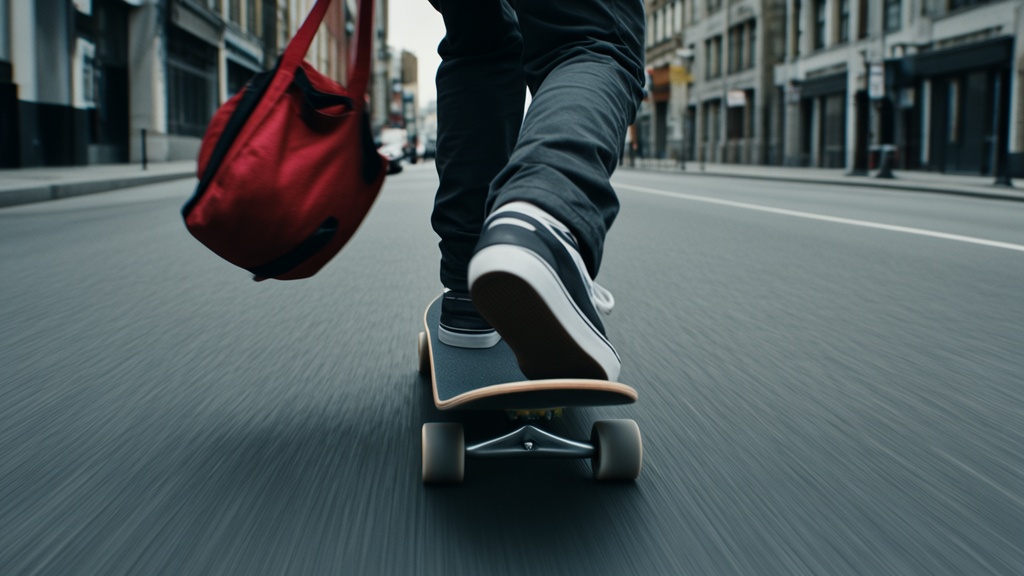
Landscape Concept
Cinematic landscape concept art, dramatic natural light, atmospheric depth, realistic terrain, wide-angle composition, richly detailed.
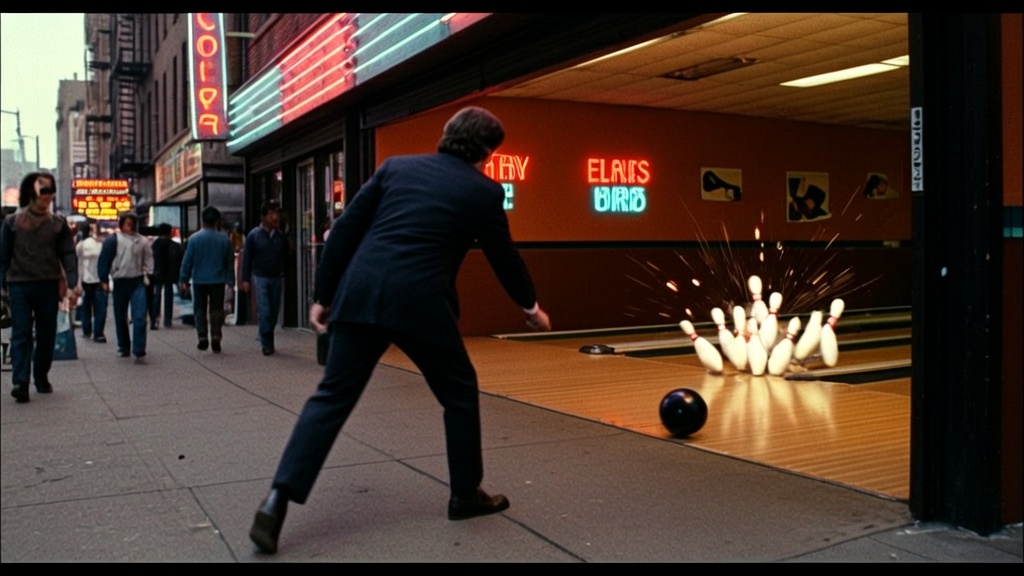
Story Frame
Film storyboard frame, realistic lighting, expressive subject, cinematic color grade, production-ready composition, detailed environment.
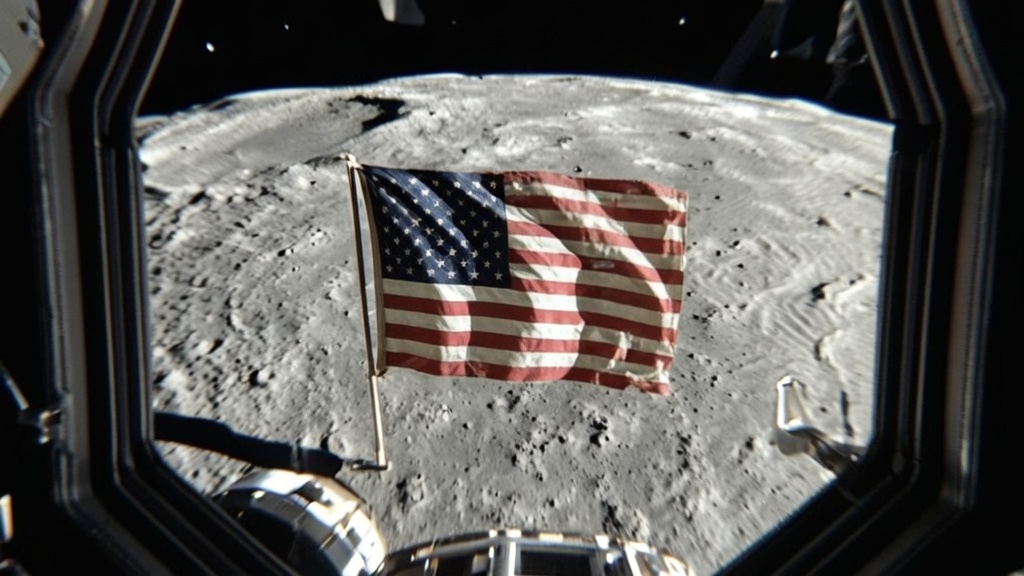
Ad Creative
Premium advertising visual, clean composition, strong hero object, polished studio lighting, realistic shadows, commercial campaign style.
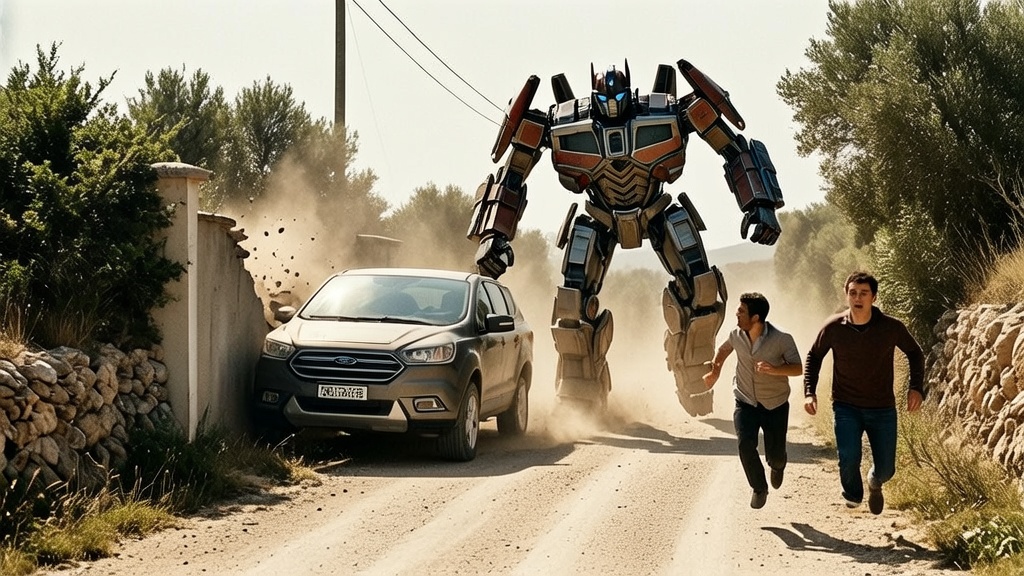
Reference Frame
Physics-aware video reference frame, realistic materials, natural camera perspective, detailed scene layout, ready for image-to-video motion.
Three steps in the browser. No install, no GPU, no account needed for the first generation. Start with a prompt and refine from there.
What you get at the end: a downloadable image you can use directly, edit further, or animate with Cosmos 3 Super Image to Video.
Six common workflows for turning prompts into images before a campaign, video, product page, or storyboard.
Create campaign concepts, hero images, thumbnails, and first-frame options before producing a final video.
Generate product scene concepts, lifestyle backgrounds, packaging mockups, and reference images for product video.
Block shots, visualize locations, create mood frames, and test lighting before building a full scene.
Generate feed-ready visuals, story covers, vertical post concepts, and reference frames for short-form clips.
Create diagrams, concept visuals, historical scenes, and science illustrations that stock libraries cannot cover.
Explore visual directions quickly, then hand the best images into editing, layout, or animation workflows.
A practical comparison for people choosing between image generators in 2026. Pick by workflow, licensing, and whether the still will become video.
| Capability | This site (Cosmos 3 Super Text to Image) | Midjourney | Ideogram | DALL-E |
|---|---|---|---|---|
| Best workflow | Reference frames and commercial creative | Stylized image art | Text and design graphics | General image generation |
| Pairs with image-to-video | Yes, native site workflow | Manual export | Manual export | Manual export |
| Aspect ratios | 16:9, 4:3, 1:1, 3:4, 9:16 | Flexible | Flexible | Flexible |
| Negative prompt | Yes | Yes | Limited | Limited |
| Commercial use | Supported by license terms | Plan-based | Plan-based | Plan-based |
| Local GPU required | No | No | No | No |
When to pick what. Pick this site when you want prompt-to-image generation that connects naturally to Cosmos 3 Super Image to Video. Pick Midjourney for stylized art direction, Ideogram for typography-heavy graphics, and DALL-E for broad prompt following.
Comparison reflects public product positioning as of June 2026. This site is not affiliated with Midjourney, Ideogram, or OpenAI.
Four reasons to use this page when the still image is part of a larger video or commercial workflow.
Generate the still, then animate the same creative direction with Image to Video on the same site.
Prompt, negative prompt, aspect ratio, steps, and guidance are enough for fast creative iteration.
Everything runs in the cloud. You only need a browser and a prompt.
The output fits ad concepts, product pages, storyboards, client decks, and social production pipelines.
Ten questions people ask before using the text-to-image flow for stills, product visuals, storyboards, and image-to-video reference frames.
Free first generation. No install. No GPU. Generate a still image, then animate it with Cosmos 3 Super Image to Video.
No credit card for the first generation. Built for fast prompt-to-image iteration.