Cosmos 3
Loading

Cosmos 3 Super Image to Video
animate any photo in seconds

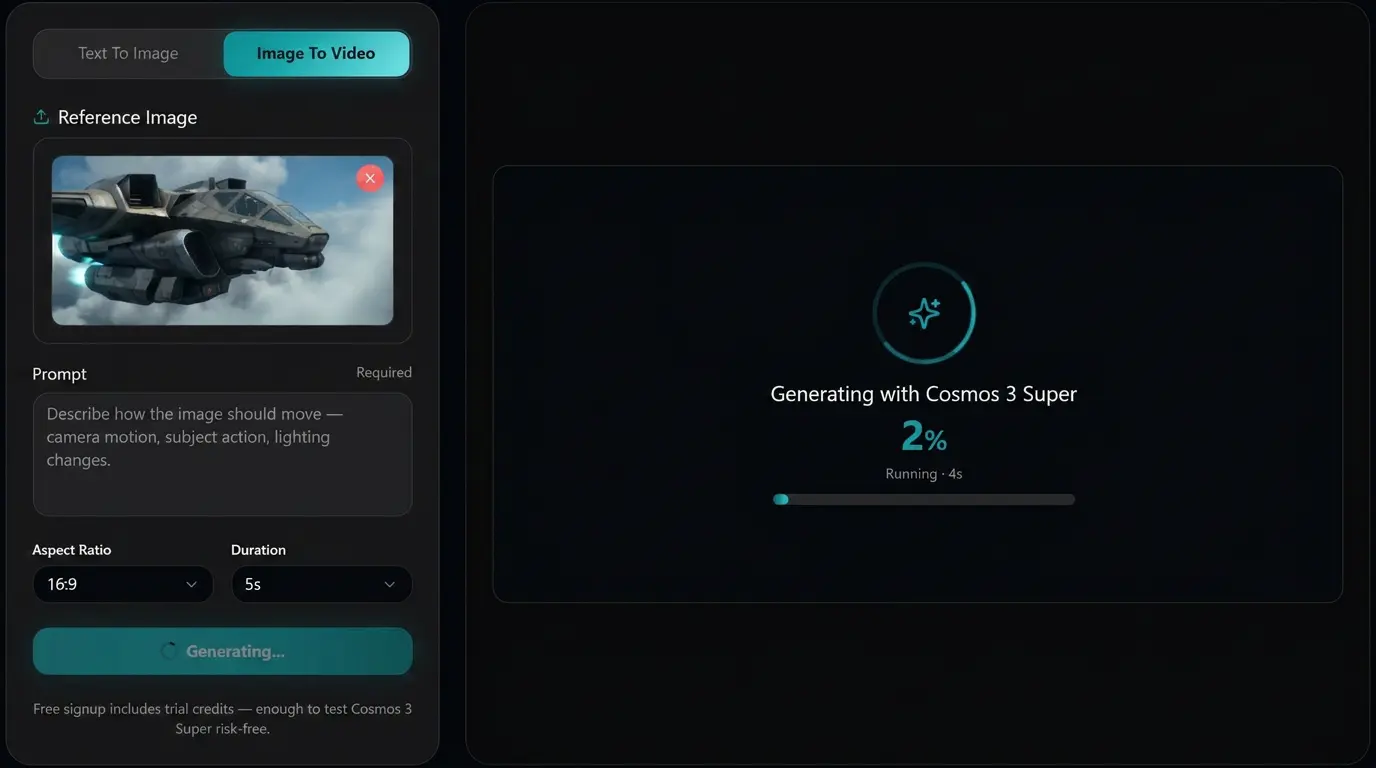
Drop in one image. Describe the motion you want. Get a short video back in under a minute. The engine is NVIDIA's open Cosmos 3 Super, the 64B world model that handles motion better than the usual AI guess.

Powered by Cosmos3-Super-Image2Video, NVIDIA's dedicated 64-billion-parameter image-to-video model. Released June 1, 2026 under the OpenMDW open license.

What is Cosmos 3 Super Image to Video?

Cosmos 3 Super Image to Video is an online tool that turns a single still image into a short video clip. You give it a photo plus a short description of motion. It does the rest.

Under the hood, this site runs the official Cosmos3-Super-Image2Video model, published by NVIDIA on Hugging Face on June 1, 2026. The model is a dedicated 64-billion-parameter variant of Cosmos 3 Super, fine-tuned specifically for the image-to-video task. It is not a general video model with image input bolted on. It is a model whose entire fine-tune was built around "given one image and instructions, predict a coherent video."

The model is released under the OpenMDW 1.1 open license. Per the NVIDIA model card, output is ready for both commercial and non-commercial use, so what you make on this site can ship in paid ads, product pages, and client work.

What it accepts and produces:

  • Input: one image (jpg, png, webp) at 256p, 480p, or 720p, plus a text prompt up to 4,096 tokens, plus an optional negative prompt.
  • Output: an MP4 from 5 to 400 frames long (default 189 frames, about 7.9 seconds at 24 fps), with ambient audio muxed in at 48 kHz stereo.
  • Aspect ratios: 16:9, 4:3, 1:1, 3:4, and 9:16, matching how your video will actually ship (landscape, square, vertical).

What this image-to-video tool can do

Six things the Cosmos 3 Super Image to Video model does that show up in every clip rendered here. Each one is documented in the official NVIDIA model card.

Subject and composition stay put

Drop in a photo. The model keeps the subject, color palette, label text, and framing intact while motion takes over. Faces stay coherent. Logos do not warp. Product packaging stays readable. This is the difference between photo to video AI and video that just happens to start where the image ended.

Motion you describe in plain English

Prompts focus on motion, camera, lighting, and scene change. You do not re-describe what is in the photo. Example: "slow dolly forward, soft golden hour key light, breeze through the leaves." The model already sees the still.

Five aspect ratios for where the video actually ships

Pick 16:9 for YouTube and landscape ads. Pick 9:16 for TikTok, Reels, and YouTube Shorts. Pick 1:1 for Instagram feed posts. 4:3 and 3:4 are also available. Match the input image ratio to the selected output to avoid cropping.

Length built for short-form delivery

Clip length runs from 1 to 7 seconds in the consumer flow. The underlying model supports up to 400 frames or roughly 16 seconds at 24 fps; the longer range is available on paid plans.

Ambient audio in the same render pass

Cosmos 3 is an omnimodal model. Audio comes out of the same render, muxed into the MP4 at 48 kHz stereo AAC. No second tool, no sync work.

Honest about motion limits

NVIDIA notes that the model lacks an explicit physics simulator and that contact dynamics and physical laws are only approximated. Cosmos 3 Super Image to Video looks more grounded than most AI video tools, but extreme physics can still produce artifacts. Use the negative prompt to steer around them.

Examples

See the Cosmos 3 Super AI Video Generator in action

Six clips, each generated on this site. No retouching, no splice cuts. Click any tile to see the exact prompt, the seed, and a one-click remix button.

Cosmos 3 Super

Shopping Cart POV

Seed 10000

"Ultra-realistic cinematic shot, wide-angle lens, dynamic motion blur, playful and energetic tone, natural daylight. Single continuous POV shot - the camera is mounted at the front of a moving shopping cart, looking inward. A young woman sits inside the cart, laughing freely, legs up, arms raised. The cart is pushed quickly through an empty parking lot. Background streaks with strong motion blur. No cuts - continuous movement, spontaneous youthful cinematic moment."
Cosmos 3 Super

Nature Documentary

Seed 10001

"Serious faux 80s nature-documentary dating interview montage of animals in restrained retro outfits, each in documentary-style interview glimpses with authentic animal noises only. After the montage, stay on a poodle for a short interview moment. Off-camera interviewer with refined English voice. Photoreal, cinematic, sincere and observational."

Cosmos 3 Super

Urban Skateboard Chase

Seed 10002

"Ultra-realistic cinematic street shot, handheld tracking, natural daylight, cool urban tones, subtle film grain. Single continuous shot - camera follows closely from behind a skateboarder riding fast down a city street. Low framing on board and pushing foot. Red shoulder bag swings with each push. Asphalt rushes beneath - no cuts, immersive fast urban realism."

Cosmos 3 Super

Bowling Alley Strike

Seed 10003

"1980s New York City, gritty urban atmosphere, cinematic film grain. Street-level tracking shot, a man in a dark suit walks along a busy sidewalk, then enters a dimly lit bowling alley. Warm neon interior. He grabs a ball and throws - camera drops low tracking the rolling ball in slow motion. Perfect strike, pins exploding. Retro cinematic, smooth continuous motion."

Cosmos 3 Super

Lunar Orbit Flag

Seed 10004

"POV from inside a spacecraft in high orbit around the Moon. Handheld, human micro-jitters. At second 4: fast sharp digital zoom-in to an aged American flag on the lunar surface - faded, dusty, static, frozen folds. Early 2000s camcorder texture, heavy grain, harsh direct sunlight. Vertical 9:16, raw accidental footage feel."

Cosmos 3 Super

Transformer Chase

Seed 10005

"A narrow rural dirt road in Mediterranean vegetation. A parked Ford transforms into a heavy industrial robot - grounded metal physics, no morphing geometry. Two men panic and run as the Transformer smashes wall and vegetation, chasing with massive steps. Cinematic dramatic lighting, 50mm lens, Kodak film look, realistic dust and debris."

How to use Cosmos 3 Super Image to Video

Three steps in the browser. No install, no GPU, no account needed for the first generation. The whole flow takes about a minute.

1
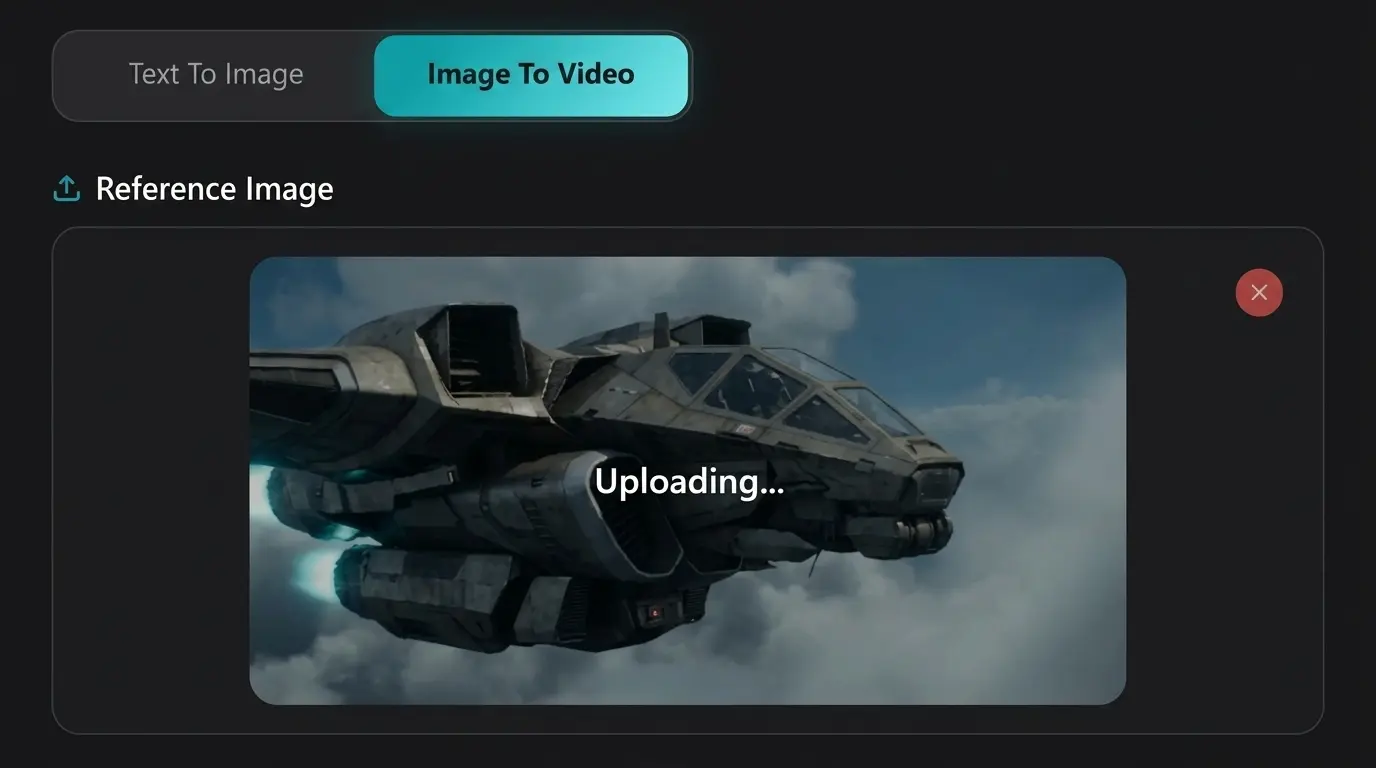
Cosmos 3 Super Image to Video step 1: upload one image

Upload one image

Drag and drop a jpg, png, or webp file into the upload area, or click to browse. The model accepts 256p, 480p, and 720p input. Use a clear, well-lit, in-focus image: the cleaner the input, the better the motion stability. RGB only; grayscale is not supported.

2
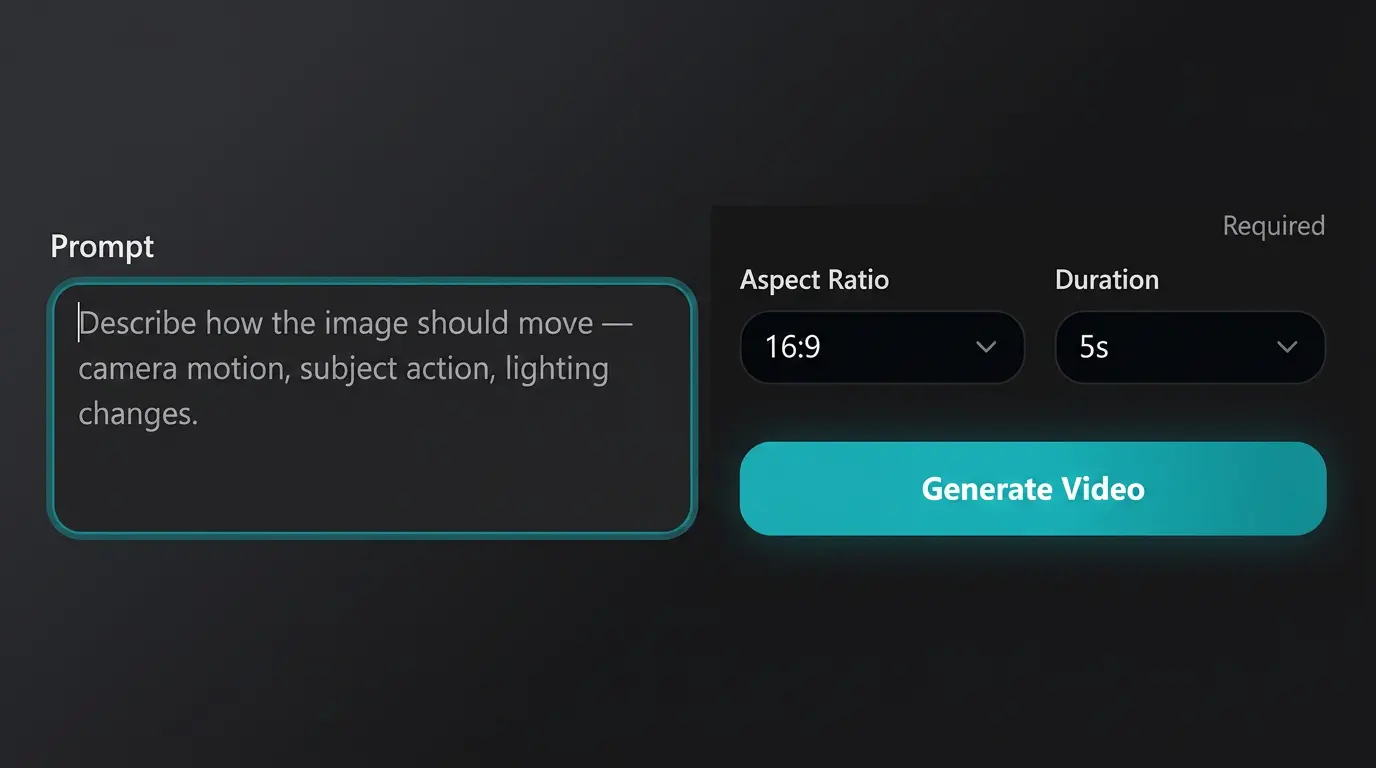
Cosmos 3 Super Image to Video step 2: describe motion prompt

Describe what should change

Type a short prompt focused on motion, camera, and scene change. Skip describing what is already in the photo because the model already sees it. Good: slow dolly forward, breeze in the leaves, warm afternoon light. Use the negative prompt field to steer away from artifacts you do not want.

3
Cosmos 3 Super Image to Video step 3: generate and refine video

Pick aspect ratio and length, then generate

Pick the aspect ratio that matches where the video is going: 16:9 for landscape, 9:16 for vertical social, 1:1 for square. Pick a length from 1 to 7 seconds. Match the input image aspect ratio to the output ratio to avoid cropping. Hit Generate.

What you get at the end: a downloadable MP4 you can drop into an editor, post to social, or hand off to a client.

Who uses Cosmos 3 Super Image to Video

Six audiences pushed the most generations through the image-to-video flow in week one. Each section names the photo type and the motion that converts best.

For e-commerce sellers

Turn one studio product photo into a rotating clip, a lifestyle shot, or a close-up reveal. The model keeps product color, label text, and proportions intact while adding camera motion and ambient light.

For social media creators

Animate a static feed post into a Reel or TikTok in seconds. The 9:16 ratio plus 1-to-7-second range fits Reels, TikTok, and YouTube Shorts. Best prompts focus on subtle motion.

For ad and marketing teams

Spin up image-to-video variants from a single hero shot. Test which motion treatment lifts CTR before committing to production. OpenMDW license covers commercial use.

For real estate and architecture

Animate a single interior or exterior photo into a slow camera move through the space. The model preserves room geometry and proportions while adding light shifts.

For portrait photographers

Add subtle motion to a portrait: a blink, a slight head turn, a breath. The model keeps the face coherent over short clips. Avoid extreme expression changes.

For travel and lifestyle content

Bring a landscape photo or food still life to motion. Wind through grass, waves rolling on a beach, steam rising from a cup. This is where the Cosmos 3 Image to Video model looks most natural.

How Cosmos 3 Super Image to Video compares to other AI tools

Honest comparison against the image-to-video tools people use in mid-2026. Each tool below leads on a different dimension. Pick by the photo type and the use, not the brand.

CapabilityThis site (Cosmos 3 Super Image to Video)Runway Gen-4.5Kling 3.0Pika 2.5
Image-to-video specializationDedicated 64B model fine-tuned only for image-to-videoGeneral video model with image inputGeneral video model with image inputGeneral video model with image input
Open model weightsYes (OpenMDW 1.1)NoNoNo
Commercial use of outputYes, per model cardTier-limitedTier-limitedTier-limited
Strongest atMotion grounded in the input image; product/landscape stillsDirected camera moves and brand-controlled editor workflowHuman motion, multilingual lip syncFirst/last frame control (Pikaframes)
Native aspect ratio range16:9, 4:3, 1:1, 3:4, 9:1616:9, 9:16 (4K on Gen-4.5)16:9, 9:16, native 4K16:9, 9:16, 1:1
Disclosed training data scale1.3B data points, 393 datasetsUndisclosedUndisclosedUndisclosed

When to pick what. Pick this site when you want an image-to-video tool whose model was built specifically for image-to-video, with open weights and commercial-safe license. Pick Runway Gen-4.5 if you need brand-controlled editor workflows. Pick Kling 3.0 for realistic human motion and lip sync. Pick Pika 2.5 if you want first/last frame control for transitions.

Comparison reflects public documentation as of June 2026. Runway, Kling, and Pika are trademarks of their respective owners. This site is not affiliated with Runway, Kuaishou, or Pika Labs.

Why pick Cosmos 3 Super Image to Video

Four reasons creators stay after their first generation. Each one is something the closed image-to-video competitors above cannot fully match in mid-2026.

Built for image-to-video, not retrofitted for it.

Cosmos 3 Super Image to Video is a standalone 64B model fine-tuned specifically on the image-to-video task. The specialization shows up in how well the input image's subject, color, and composition stay locked.

Open license you can read.

The OpenMDW 1.1 license is public. The model card explicitly states the output is ready for commercial and non-commercial use. Closed competitors gate commercial rights behind subscription tiers.

Honest about what it can and cannot do.

The NVIDIA model card lists the model limits in plain language: no explicit physics simulator, approximated contact dynamics, possible artifacts on extreme motion. You can read what to expect before you generate.

Leads the open-weights image-to-video leaderboard.

As of May 28, 2026, Cosmos 3 Super Image to Video ranks first on Artificial Analysis's open-source image-to-video leaderboard. That is independent benchmark data, not a marketing claim.

Cosmos 3 Super Image to Video FAQ

Ten questions people ask most often. Each answer is written to be useful on its own, in case the section is surfaced through Google or an AI search engine.

Cosmos 3 Super Image to Video is a standalone NVIDIA model that turns one input image plus a text prompt into a short MP4 video with audio. It is a 64-billion-parameter variant of Cosmos 3 Super, fine-tuned only for the image-to-video task, and released on June 1, 2026 under the OpenMDW 1.1 open license.

Make your first image-to-video with Cosmos 3 Super

Free first generation. No install. No GPU. The same Cosmos3-Super-Image2Video weights NVIDIA published on Hugging Face, running in your browser in under a minute.

No credit card for the first generation. OpenMDW 1.1 license on output.